
Apple Activates Emergency Lock Screen Warnings for iOS Security Threats
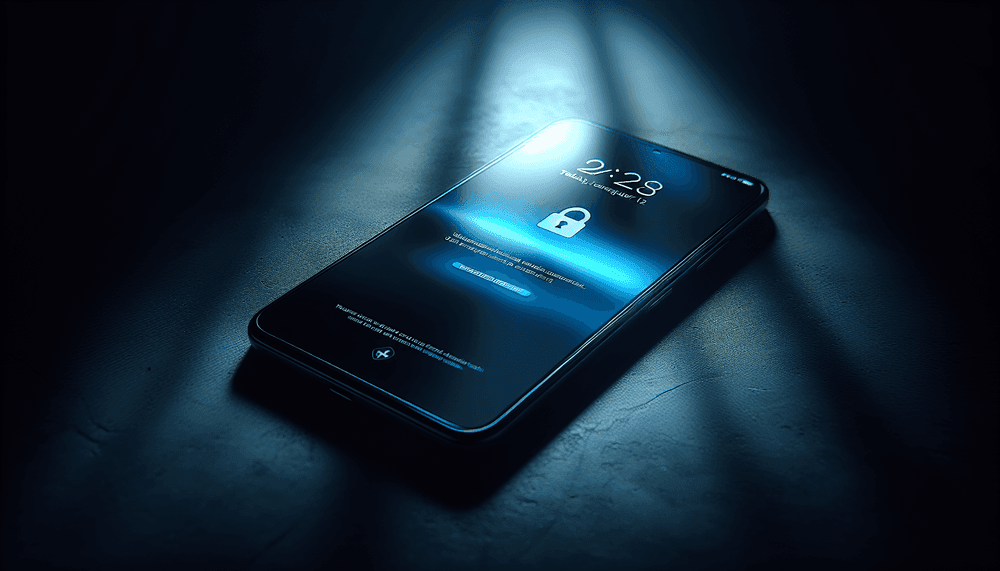
Apple deployed Lock Screen notifications on March 27, 2026, targeting iPhones and iPads running outdated iOS and iPadOS versions. The notifications warn users about active web-based attacks exploiting known vulnerabilities in older software versions. This marks the first time Apple has used Lock Screen alerts for security warnings, representing a significant escalation in the company's approach to user protection.
The notification message reads: "Apple is aware of attacks targeting out-of-date iOS software, including the version on your iPhone. Install this critical update to protect your iPhone." The alert appears directly on the Lock Screen, bypassing normal notification channels to ensure maximum visibility. Users cannot dismiss the notification without taking action, forcing engagement with the security warning.
This emergency notification system activates when Apple's threat intelligence identifies active exploitation campaigns targeting specific iOS vulnerabilities. The company's security team monitors global attack patterns and can trigger these alerts remotely without requiring a software update. The system leverages Apple's existing push notification infrastructure but uses elevated priority levels reserved for critical security events.
Apple's decision to implement Lock Screen security alerts reflects growing concerns about users delaying security updates. Traditional update prompts through Settings often go ignored, leaving devices vulnerable to known exploits. The Lock Screen approach ensures users see the warning immediately upon device unlock, creating urgency around security updates.
Related: Apple Patches Older iPhones Against Coruna Exploits
Related: Apple Launches Free Business MDM to Challenge Intune
Related: iOS 26.4 Adds Age Verification for UK Apple Users
The notification system can target specific iOS versions, device models, and geographic regions based on threat intelligence. Apple's security operations center can activate these alerts within hours of identifying active exploitation, providing rapid response capabilities against zero-day attacks and known vulnerability abuse.
Which iOS Devices Receive Security Lock Screen Alerts
The Lock Screen notifications target devices running iOS versions with known security vulnerabilities currently under active attack. While Apple hasn't disclosed specific version numbers, the alerts typically affect devices running iOS versions older than the most recent security update. This includes iPhone models from iPhone 6s and later, along with compatible iPad models running corresponding iPadOS versions.
Users who delay installing security updates represent the primary target demographic for these notifications. Apple's telemetry data shows significant portions of the iOS user base often run software versions several months behind current releases. Enterprise users with managed device policies may also receive these alerts if their organization hasn't deployed recent security patches.
Geographic targeting allows Apple to focus alerts on regions experiencing concentrated attack activity. Threat actors often target specific countries or regions with tailored exploit campaigns, making location-based notifications more effective. The system can also consider device usage patterns, prioritizing alerts for devices frequently accessing web content where browser-based exploits pose higher risks.
The notification system affects both personal and corporate-managed devices, though enterprise administrators can configure policies to handle security alerts through mobile device management platforms. Consumer devices receive direct notifications, while managed devices may route alerts through IT departments depending on organizational security policies.
How to Respond to Apple's iOS Security Lock Screen Warnings
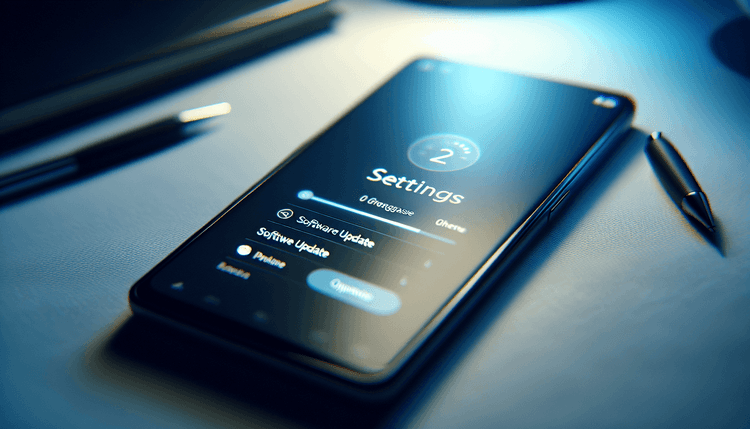
When receiving a Lock Screen security notification, users should immediately navigate to Settings > General > Software Update to install available iOS updates. The update process typically takes 15-30 minutes depending on device model and update size. Users should ensure their device has adequate battery life and Wi-Fi connectivity before beginning the update process.
For devices unable to update immediately, Apple recommends avoiding web browsing and limiting app usage until the security update can be installed. Users should prioritize updating over cellular networks if Wi-Fi isn't available, as security updates qualify for emergency data usage. The company advises against dismissing or ignoring these notifications, as they indicate active threats targeting the specific iOS version.
Enterprise users should contact their IT administrators upon receiving Lock Screen security alerts. Corporate devices may require approval or scheduling for security updates to maintain compliance with organizational policies. IT teams can verify update availability through Apple's enterprise support channels and deploy patches through mobile device management systems.
Users can verify successful update installation by checking Settings > General > About for the current iOS version number. Apple maintains a security updates page documenting recent patches and vulnerability fixes. The Lock Screen notification disappears automatically once the device installs the required security update and restarts.
For devices too old to receive current iOS updates, Apple recommends upgrading to newer hardware capable of running supported software versions. Devices running iOS versions no longer receiving security updates remain vulnerable to known exploits and cannot benefit from Apple's security notification system.