ANAVEM
Languagefr
Windows domain controller monitoring dashboard displaying Kerberos authentication events and security logs
Event ID 4870WarningKerberosWindows

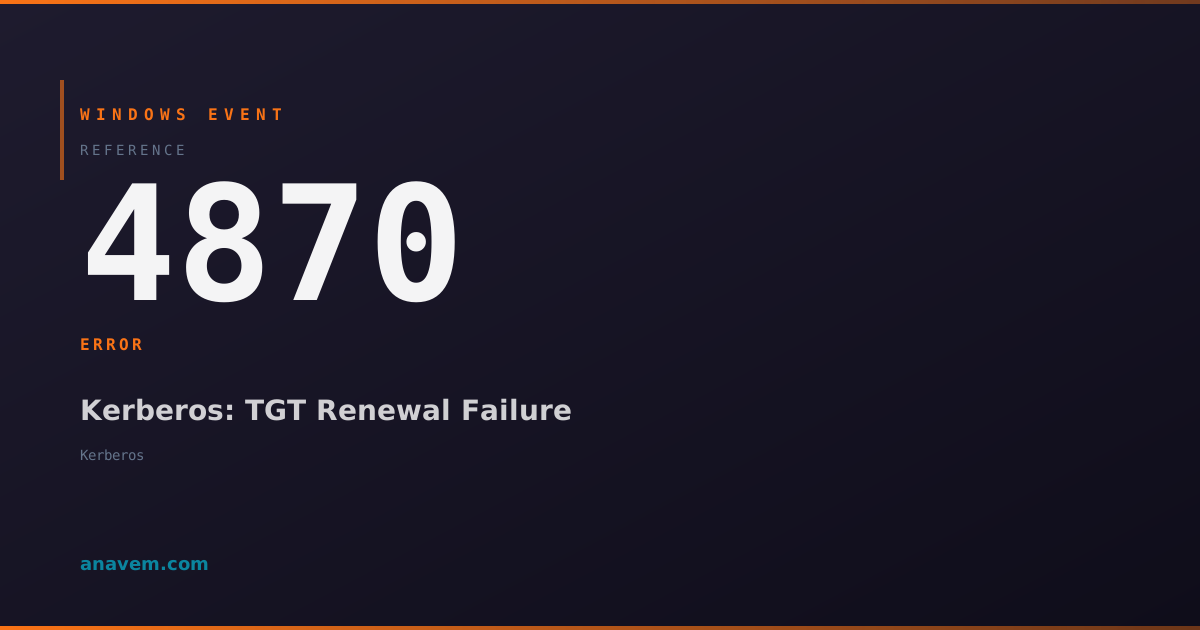
Windows Event ID 4870 – Kerberos: TGT Renewal Failure

Event ID 4870 indicates a Kerberos Ticket Granting Ticket (TGT) renewal failure, typically occurring when domain authentication encounters issues with ticket refresh operations.

Emanuel DE ALMEIDAEmanuel DE ALMEIDA
18 March 202612 min read 0
Event ID 4870Kerberos 5 methods 12 min
Event Reference

What This Event Means

Event ID 4870 represents a critical component of Windows domain authentication monitoring. When this event appears, it means the Local Security Authority (LSA) attempted to renew a Kerberos TGT but encountered an error during the process. The Kerberos protocol requires periodic ticket renewal to maintain security and prevent replay attacks.

The event contains detailed information about the failure, including the target principal name, error codes, and timing information. Common scenarios include network connectivity issues to domain controllers, clock skew problems exceeding the maximum allowed tolerance (typically 5 minutes), expired or disabled user accounts, and domain controller overload or maintenance windows.

This event is particularly important in enterprise environments where service accounts run critical applications. Failed TGT renewals for service accounts can cause application authentication failures, leading to service disruptions. The event also serves as an early warning system for broader domain authentication issues that might affect multiple users or systems.

Understanding the context of Event ID 4870 helps administrators differentiate between isolated incidents and systemic problems. Multiple occurrences across different systems often indicate domain controller issues, while isolated events typically point to specific account or system configuration problems.

Applies to

Windows 10Windows 11Windows Server 2019/2022/2025
Analysis

Possible Causes

  • Network connectivity issues between the client and domain controllers
  • Time synchronization problems causing clock skew beyond acceptable limits
  • Domain controller unavailability or high load conditions
  • Expired, disabled, or locked user or service accounts
  • DNS resolution failures for domain controller discovery
  • Firewall blocking Kerberos traffic on ports 88 or 464
  • Domain controller certificate issues affecting secure channel communication
  • Group Policy settings restricting Kerberos authentication parameters
  • Service account password changes not properly synchronized
  • Domain trust relationship problems in multi-domain environments
Resolution Methods

Troubleshooting Steps

01

Check Event Details and Basic Connectivity

Start by examining the event details to understand the specific failure reason and verify basic domain connectivity.

  1. Open Event ViewerWindows LogsSecurity
  2. Filter for Event ID 4870 using this PowerShell command:
Get-WinEvent -FilterHashtable @{LogName='Security'; Id=4870} -MaxEvents 20 | Format-Table TimeCreated, Id, LevelDisplayName, Message -Wrap
  1. Note the error code and target principal name from the event description
  2. Test domain controller connectivity:
nltest /dsgetdc:yourdomain.com
nltest /sc_query:yourdomain.com
  1. Verify time synchronization with the domain:
w32tm /query /status
w32tm /resync /rediscover
  1. Check DNS resolution for domain controllers:
nslookup -type=SRV _kerberos._tcp.yourdomain.com
02

Analyze Kerberos Ticket Cache and Renewal Settings

Examine the current Kerberos ticket cache and verify renewal configuration to identify ticket-specific issues.

  1. Display current Kerberos tickets:
klist tickets
klist tgt
  1. Check for expired or near-expiry tickets and note renewal times
  2. Purge existing tickets to force fresh authentication:
klist purge
  1. Attempt manual ticket acquisition:
kinit username@DOMAIN.COM
  1. Review Kerberos policy settings in Group Policy:
gpresult /h gpresult.html
# Review Computer Configuration → Policies → Windows Settings → Security Settings → Account Policies → Kerberos Policy
  1. Check maximum ticket lifetime and renewal settings in the registry:
Get-ItemProperty -Path "HKLM\SYSTEM\CurrentControlSet\Control\Lsa\Kerberos\Parameters" -Name MaxTicketAge -ErrorAction SilentlyContinue
03

Investigate Account Status and Authentication Logs

Verify the account status and examine related authentication events to identify account-specific issues.

  1. Check the user or service account status in Active Directory:
Get-ADUser -Identity "username" -Properties AccountExpirationDate, LockedOut, Enabled, PasswordLastSet, PasswordExpired
  1. For service accounts, verify the account is not expired or disabled:
Get-ADServiceAccount -Identity "serviceaccount" -Properties *
  1. Review related Kerberos authentication events:
Get-WinEvent -FilterHashtable @{LogName='Security'; Id=4768,4769,4771,4772} -MaxEvents 50 | Where-Object {$_.Message -like "*username*"} | Format-Table TimeCreated, Id, Message -Wrap
  1. Check for account lockout events:
Get-WinEvent -FilterHashtable @{LogName='Security'; Id=4740} -MaxEvents 20
  1. Verify the account's Service Principal Names (SPNs) if it's a service account:
setspn -L username
  1. Test authentication with the account:
runas /user:domain\username cmd
04

Examine Domain Controller Health and Network Configuration

Investigate domain controller availability and network configuration that might affect Kerberos ticket renewal operations.

  1. Check domain controller health and replication status:
dcdiag /v /c /d /e /s:domaincontroller.domain.com
repadmin /showrepl
  1. Verify Kerberos service is running on domain controllers:
Get-Service -Name Kdc -ComputerName domaincontroller.domain.com
  1. Test Kerberos connectivity to specific domain controllers:
telnet domaincontroller.domain.com 88
Test-NetConnection -ComputerName domaincontroller.domain.com -Port 88
  1. Check Windows Firewall settings for Kerberos traffic:
Get-NetFirewallRule -DisplayName "*Kerberos*" | Select-Object DisplayName, Enabled, Direction, Action
  1. Review domain controller event logs for related errors:
Get-WinEvent -ComputerName domaincontroller.domain.com -FilterHashtable @{LogName='System'; Id=1,7023,7024} -MaxEvents 20
  1. Verify secure channel between client and domain:
Test-ComputerSecureChannel -Verbose
nltest /sc_verify:domain.com
05

Advanced Kerberos Troubleshooting and Logging

Enable detailed Kerberos logging and perform advanced diagnostics to identify complex authentication issues.

  1. Enable Kerberos event logging on the client:
reg add "HKLM\SYSTEM\CurrentControlSet\Control\Lsa\Kerberos\Parameters" /v LogLevel /t REG_DWORD /d 1 /f
  1. Enable detailed Kerberos auditing through Group Policy or registry:
auditpol /set /subcategory:"Kerberos Authentication Service" /success:enable /failure:enable
auditpol /set /subcategory:"Kerberos Service Ticket Operations" /success:enable /failure:enable
  1. Use Network Monitor or Wireshark to capture Kerberos traffic:
netsh trace start capture=yes provider=Microsoft-Windows-Kerberos-Key-Distribution-Center tracefile=kerberos.etl
  1. Analyze Kerberos tickets with detailed information:
klist tickets -li 0x3e7
klist tgt -li 0x3e7
  1. Check for clock skew issues with precision timing:
w32tm /query /peers
w32tm /query /configuration
  1. Review advanced Kerberos configuration in the registry:
Get-ItemProperty -Path "HKLM\SYSTEM\CurrentControlSet\Control\Lsa\Kerberos\Parameters" | Format-List
  1. After troubleshooting, disable verbose logging:
reg delete "HKLM\SYSTEM\CurrentControlSet\Control\Lsa\Kerberos\Parameters" /v LogLevel /f

Overview

Event ID 4870 fires when the Kerberos authentication subsystem fails to renew a Ticket Granting Ticket (TGT) for a user or service account. This event appears in the Security log and indicates potential issues with domain controller connectivity, time synchronization, or account configuration problems.

The event typically occurs during automatic TGT renewal attempts, which happen before the current ticket expires. Windows attempts to renew TGTs proactively to maintain seamless authentication, but various factors can cause these renewal operations to fail. This can lead to authentication disruptions for users or services relying on Kerberos authentication.

You'll find this event in domain-joined systems where Kerberos is the primary authentication protocol. The failure doesn't immediately break authentication since the current TGT may still be valid, but it signals potential problems that could affect future authentication attempts. Investigating this event promptly helps prevent authentication outages and maintains domain security posture.

Frequently Asked Questions

What does Event ID 4870 mean and why does it occur?+
Event ID 4870 indicates that Windows failed to renew a Kerberos Ticket Granting Ticket (TGT) for a user or service account. This occurs when the automatic renewal process encounters issues such as network connectivity problems, time synchronization issues, or account-related problems. The event serves as an early warning that authentication may fail when the current ticket expires.
How often should TGT renewal occur and what triggers Event ID 4870?+
TGT renewal typically occurs automatically when the ticket reaches about 90% of its lifetime, which is usually 10 hours by default in most Windows domains. Event ID 4870 triggers when this renewal process fails due to various factors including domain controller unavailability, network issues, clock skew exceeding 5 minutes, or account problems like expiration or lockout.
Can Event ID 4870 affect service accounts and automated processes?+
Yes, Event ID 4870 can significantly impact service accounts running automated processes or applications. When a service account's TGT renewal fails, it can cause authentication failures for scheduled tasks, web applications, database connections, and other automated services. This makes monitoring and resolving these events critical for maintaining service availability in enterprise environments.
What's the difference between Event ID 4870 and other Kerberos authentication events?+
Event ID 4870 specifically relates to TGT renewal failures, while other Kerberos events serve different purposes: Event ID 4768 logs successful TGT requests, Event ID 4769 tracks service ticket requests, Event ID 4771 indicates pre-authentication failures, and Event ID 4772 shows failed ticket requests. Event ID 4870 is unique because it occurs during the renewal phase of an existing authentication session.
How can I prevent Event ID 4870 from occurring in my environment?+
Prevent Event ID 4870 by maintaining proper time synchronization across all domain members using NTP, ensuring reliable network connectivity to domain controllers, monitoring account expiration dates and password policies, implementing redundant domain controllers for high availability, and regularly checking domain controller health. Additionally, configure appropriate firewall rules for Kerberos traffic and monitor DNS resolution for domain controller discovery.
Documentation

References (2)

Emanuel DE ALMEIDA
Written by

Emanuel DE ALMEIDA

Senior IT Journalist & Cloud Architect

Microsoft MCSA-certified Cloud Architect | Fortinet-focused. I modernize cloud, hybrid & on-prem infrastructure for reliability, security, performance and cost control - sharing field-tested ops & troubleshooting.

Discussion

Share your thoughts and insights

You must be logged in to comment.

Loading comments...