Microsoft Resolves Long-Standing Outlook Gmail Synchronization Issues
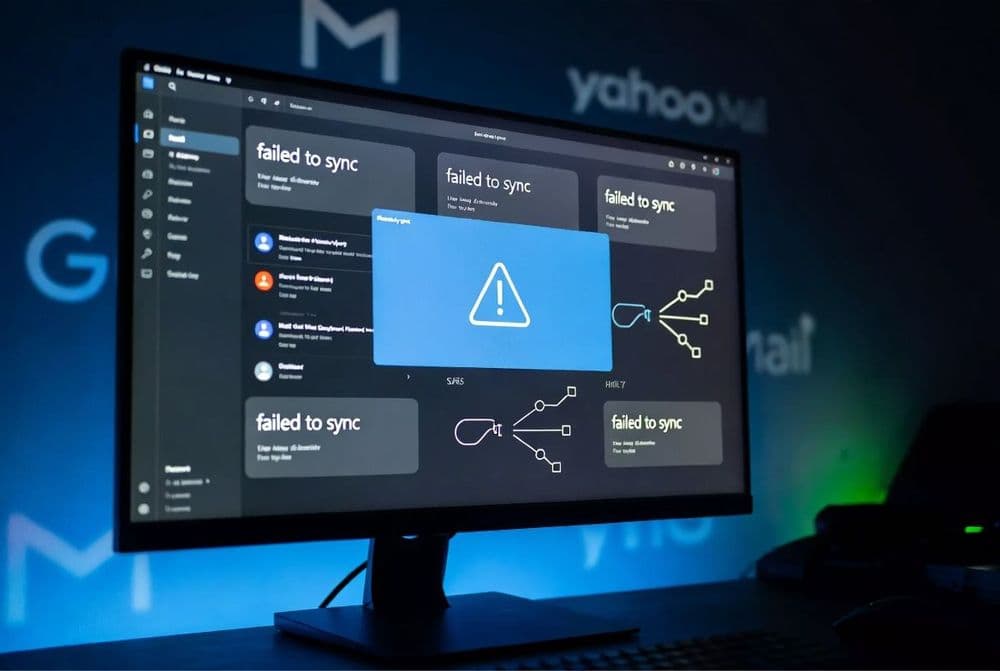
Microsoft deployed a fix on March 25, 2026, addressing persistent synchronization problems between the classic Outlook desktop application and Gmail or Yahoo email accounts. The bug had been generating two specific error codes - 0x800CCC0F and 0x80070057 - that prevented users from properly syncing their third-party email accounts with Outlook's desktop client.
The synchronization issue emerged several months ago when Microsoft made changes to how Outlook handles authentication protocols for third-party email providers. Users reported that their Gmail and Yahoo accounts would intermittently fail to sync, with error 0x800CCC0F typically indicating server connection timeouts and 0x80070057 pointing to data format conflicts during the synchronization process.
The root cause stemmed from Microsoft's implementation of OAuth 2.0 authentication changes that didn't properly handle token refresh cycles for IMAP and POP3 connections to Gmail and Yahoo servers. When authentication tokens expired, Outlook failed to automatically renew them, causing the synchronization process to break down. This particularly affected users who had configured their accounts using IMAP settings rather than Exchange ActiveSync protocols.
Microsoft's engineering team identified the issue was related to how the Outlook client processed authentication responses from Google's and Yahoo's mail servers. The fix involved updating the authentication handling logic to properly manage token lifecycle events and ensure seamless reconnection when temporary authentication failures occurred. BleepingComputer confirmed that the resolution addresses both error codes through improved error handling and retry mechanisms.
Related: Outlook for Windows Adds Offline File Attachment Support
Related: Microsoft Outlook Crashes with Teams Meeting Add-in Enabled
The patch was delivered through Microsoft's standard update mechanism for Office applications, requiring no manual intervention from users. Microsoft validated the fix across multiple email provider configurations before the March 25 deployment, ensuring compatibility with various Gmail and Yahoo account types including business and personal accounts.
Classic Outlook Users with Third-Party Email Accounts Hit by Sync Bug
The synchronization bug primarily impacted users running classic Outlook desktop application versions 2019, 2021, and Microsoft 365 Apps for Enterprise who had configured Gmail or Yahoo email accounts using IMAP or POP3 protocols. Users with Exchange Online or Outlook.com accounts weren't affected since these use Microsoft's native synchronization protocols rather than third-party authentication systems.
Small and medium businesses relying on Gmail Workspace accounts through Outlook desktop experienced the most significant disruption. These organizations often use Outlook as their primary email client while maintaining Gmail as their email service provider, creating a dependency on the synchronization functionality that the bug disrupted. Personal users with multiple Gmail accounts configured in Outlook also encountered frequent sync failures, particularly those with high email volumes or complex folder structures.
The issue was most pronounced for users in mixed environments where some accounts used Microsoft services while others relied on Google or Yahoo infrastructure. IT administrators reported that users with more than three configured email accounts experienced higher failure rates, suggesting the bug was exacerbated by multiple concurrent authentication processes. Organizations using mobile device management solutions that enforce specific Outlook configurations also saw increased support tickets related to these error codes.
Geographic distribution showed no particular pattern, indicating the issue was related to Microsoft's authentication infrastructure rather than regional server problems. However, users in time zones where peak usage coincided with authentication token refresh cycles reported more frequent occurrences of the 0x800CCC0F and 0x80070057 errors.
Automatic Fix Deployment and User Verification Steps
Microsoft deployed the synchronization fix through automatic Office updates on March 25, 2026, requiring no manual installation steps from users. The update appears as part of the regular Microsoft 365 Apps update cycle and installs during the next application restart. Users can verify they've received the fix by checking their Outlook version number, which should display build 16.0.17328.20184 or higher for Microsoft 365 Apps, or the corresponding version numbers for Outlook 2019 and 2021 standalone installations.
For users still experiencing synchronization issues after the automatic update, Microsoft recommends clearing the Outlook credential cache and re-authenticating Gmail or Yahoo accounts. This process involves navigating to Control Panel > Credential Manager > Windows Credentials, removing any stored credentials for the affected email accounts, then reconfiguring the accounts in Outlook using the updated authentication flow. The new authentication process includes improved error handling that should prevent the recurrence of 0x800CCC0F and 0x80070057 errors.
IT administrators can verify the fix deployment across their organizations by checking the Office update history in the Microsoft 365 admin center or using PowerShell commands to query installed Office versions. For environments using Windows Server Update Services or Microsoft System Center Configuration Manager, the update appears in the standard Office update categories and can be deployed using existing patch management workflows.
Users who continue experiencing issues should check their Gmail or Yahoo account security settings to ensure app passwords are properly configured if two-factor authentication is enabled. Microsoft also recommends temporarily disabling antivirus email scanning features that might interfere with the updated authentication process, then re-enabling them after confirming successful synchronization.