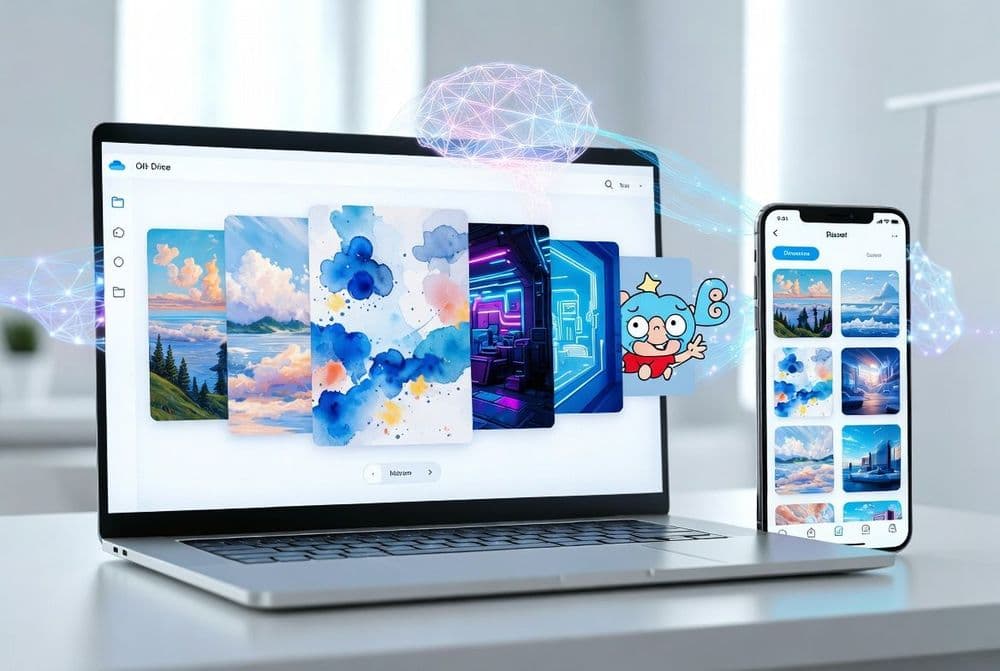
Microsoft Unveils AI Restyle for OneDrive Photo Enhancement
Microsoft announced on March 25, 2026, the launch of AI Restyle, a new artificial intelligence-powered feature integrated into OneDrive that transforms ordinary photographs into artistic renditions. The feature leverages advanced machine learning algorithms to apply various creative styles to user-uploaded images, marking Microsoft's continued expansion into AI-driven productivity tools.
The AI Restyle functionality represents a significant enhancement to OneDrive's existing photo management capabilities. Unlike basic filters or editing tools, this feature employs sophisticated neural networks trained on diverse artistic styles ranging from classical paintings to modern digital art techniques. The system analyzes the composition, lighting, and subject matter of uploaded photos before applying transformative algorithms that maintain the original image's core elements while reimagining them through different artistic lenses.
Microsoft's development team built AI Restyle using the company's Azure AI infrastructure, incorporating computer vision models that have been trained on millions of artistic works and photographic samples. The feature supports multiple output formats and resolution options, ensuring compatibility across different devices and use cases. Users can preview transformations in real-time before applying changes, with the processing typically completing within 30 seconds for standard resolution images.
The announcement comes as part of Microsoft's broader strategy to integrate artificial intelligence across its productivity suite. AI Restyle joins other recent AI-powered features like Copilot integration in Microsoft 365 applications and enhanced search capabilities in OneDrive. The feature underwent extensive beta testing with select Microsoft 365 subscribers throughout February 2026, with feedback informing the final release version's user interface and processing capabilities.
Related: Microsoft Stops Auto-Installing Copilot on Windows Devices
Related: Microsoft Investigates Classic Outlook Sync Issues
Related: Sync SharePoint Libraries Using Microsoft Intune
Related: Configure OneDrive Auto Sign-in Using Microsoft Intune
OneDrive Users Gain Access to Advanced Photo Transformation
AI Restyle is available to Microsoft 365 Personal and Family subscribers, as well as Microsoft 365 Business Standard and Premium users. The feature requires OneDrive storage allocation and works with JPEG, PNG, and HEIF image formats up to 50 megapixels in resolution. Users must have at least 1GB of available OneDrive storage to utilize the feature, as transformed images are saved as separate files alongside originals.
The rollout follows Microsoft's standard phased deployment approach, beginning with users in North America and Western Europe before expanding globally over the next four weeks. Mobile users need the OneDrive app version 12.8 or later on iOS and Android devices, while web users can access AI Restyle through any modern browser supporting WebGL 2.0. Desktop integration requires the OneDrive sync client version 26.045 or newer on Windows 10 and 11 systems.
Enterprise customers with Microsoft 365 E3 and E5 licenses will receive AI Restyle as part of their existing subscriptions, with additional administrative controls for IT departments to manage feature availability across organizational accounts. Educational institutions with Microsoft 365 A3 and A5 licenses also gain access, though with usage quotas based on their subscription tier. Free OneDrive accounts do not include AI Restyle functionality, maintaining Microsoft's strategy of reserving advanced AI features for paying subscribers.
How to Access and Configure AI Restyle in OneDrive
Users can access AI Restyle by navigating to any photo within their OneDrive account and selecting the new "Restyle" option from the editing toolbar. The feature appears as a paintbrush icon next to existing editing tools like crop and rotate. Upon selection, users see a gallery of available artistic styles including watercolor, oil painting, sketch, pop art, and abstract interpretations. Each style includes a preview thumbnail showing how the transformation will affect the selected image.
The processing workflow allows users to adjust intensity levels for each artistic style, ranging from subtle enhancements to dramatic transformations. Advanced users can access additional parameters through the "More Options" menu, including color palette adjustments, texture emphasis, and edge definition controls. Batch processing is available for users who want to apply consistent styling across multiple photos, with the system maintaining transformation settings for subsequent images in the same session.
Microsoft has implemented privacy safeguards ensuring that user photos processed through AI Restyle are not used for model training or stored beyond the transformation process. The feature operates entirely within Microsoft's secure cloud infrastructure, with encrypted data transmission and processing. Users can disable AI Restyle through their OneDrive settings if they prefer not to use AI-powered features, though this also removes access to other intelligent photo organization tools within the platform.